> ## Documentation Index
> Fetch the complete documentation index at: https://docs.useflytrap.com/llms.txt
> Use this file to discover all available pages before exploring further.
# Use Flytrap with Webpack
> Use Flytrap to catch & replay both front-end & back-end bugs with a Webpack bundled program
## Installing
Install the `useflytrap` package to your project.
```bash npm theme={null}
npm install useflytrap
```
```bash yarn theme={null}
yarn add useflytrap
```
```bash pnpm theme={null}
pnpm install useflytrap
```
## Add Flytrap code transform
Add the Flytrap code transform to your Webpack configuration, so that all your code gets properly processed for replaying. This is an example configuration of using Webpack.
```typescript webpack.config.cjs theme={null}
// @ts-check
const path = require('path');
const nodeExternals = require('webpack-node-externals');
const { FlytrapTransformPlugin } = require('useflytrap/transform');
/** @type { import('webpack').Configuration } */
module.exports = {
target: 'node',
mode: 'production',
externals: [nodeExternals()],
entry: {
app: './src/index.ts'
},
output: {
path: path.resolve(__dirname, 'dist'),
filename: '[name].cjs'
},
resolve: {
extensions: ['.ts', '.js'],
},
module: {
rules: [
{
test: /\.ts$/,
use: [
'ts-loader',
],
},
],
},
plugins: [
// only add in production
...(process.env.NODE_ENV === 'production' ? [FlytrapTransformPlugin.webpack()] : []),
]
};
```
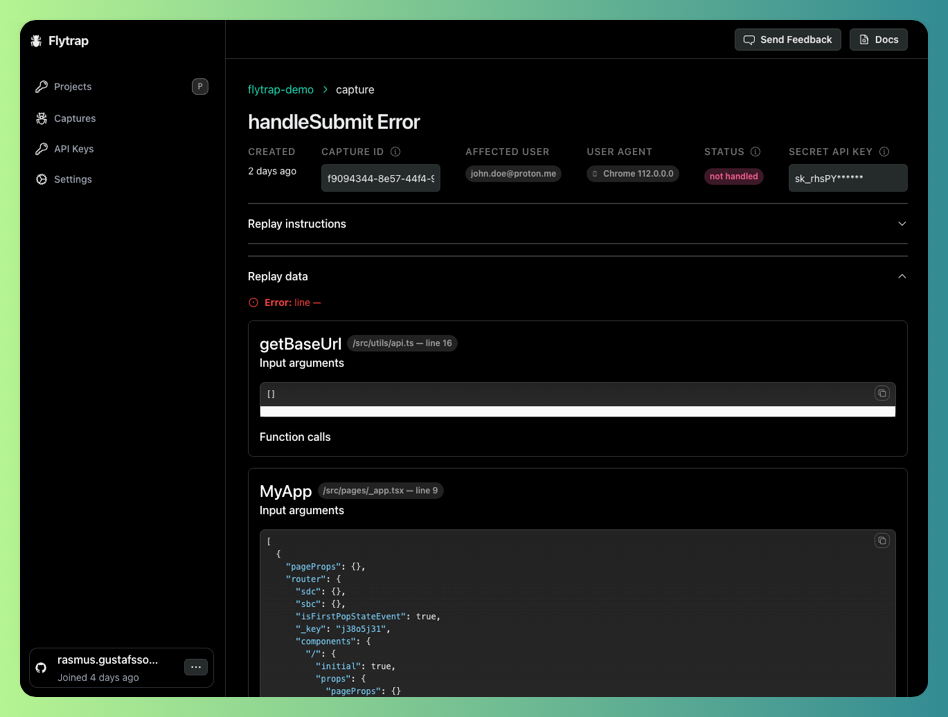
## Catch your first bug
Now your app will be enabled with Flytrap. You can test out the setup by throwing an error in your development environment.